Lesson Introduction
Showcasing courses on your LinkedIn® profile contributes to your credibility and trust with your professional network, clients, recruiters, and employers.
Framework Note
Courses can support Knowledge & Growth, but displaying them on your profile is most useful when the learning reinforces another purpose too. A course relevant to a target role can support Job Hunting; specialist training can strengthen Credibility; ongoing learning can show commitment to professional development.
Choose what to display based on the story your profile needs to tell. Explore Knowledge & Growth in the Why Are You Really on LinkedIn®? framework.
Expert Tip
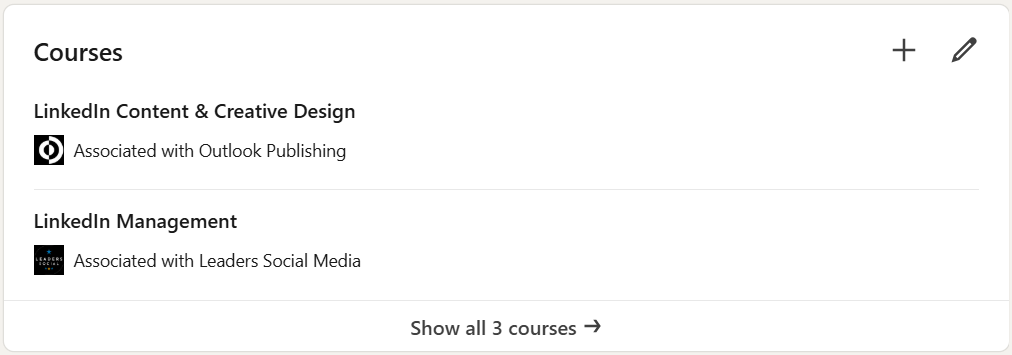
In the screenshot below you’ll see that the courses section of your LinkedIn® profile is underwhelming. It’s a basic text list with limited functionality.
I recommend that you also consider adding certificates to your Licenses & Certifications section.
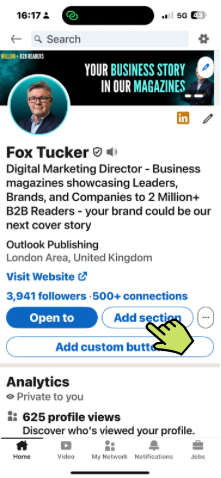
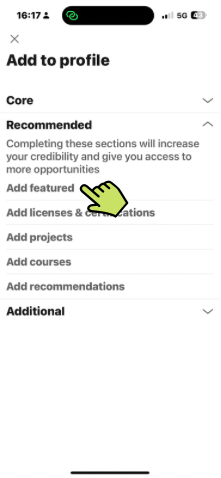
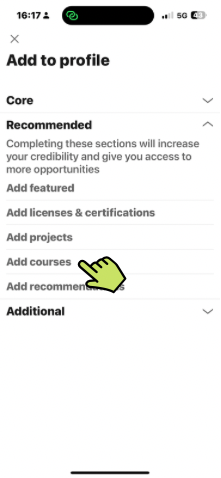
How to add courses to your LinkedIn
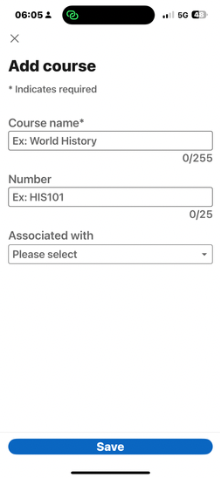
- Enter the Course Name
- Enter course Number if applicable.
- The Associated with box contains a list of your current and past positions shown in your work experience section. You can only associate each course with one job position.